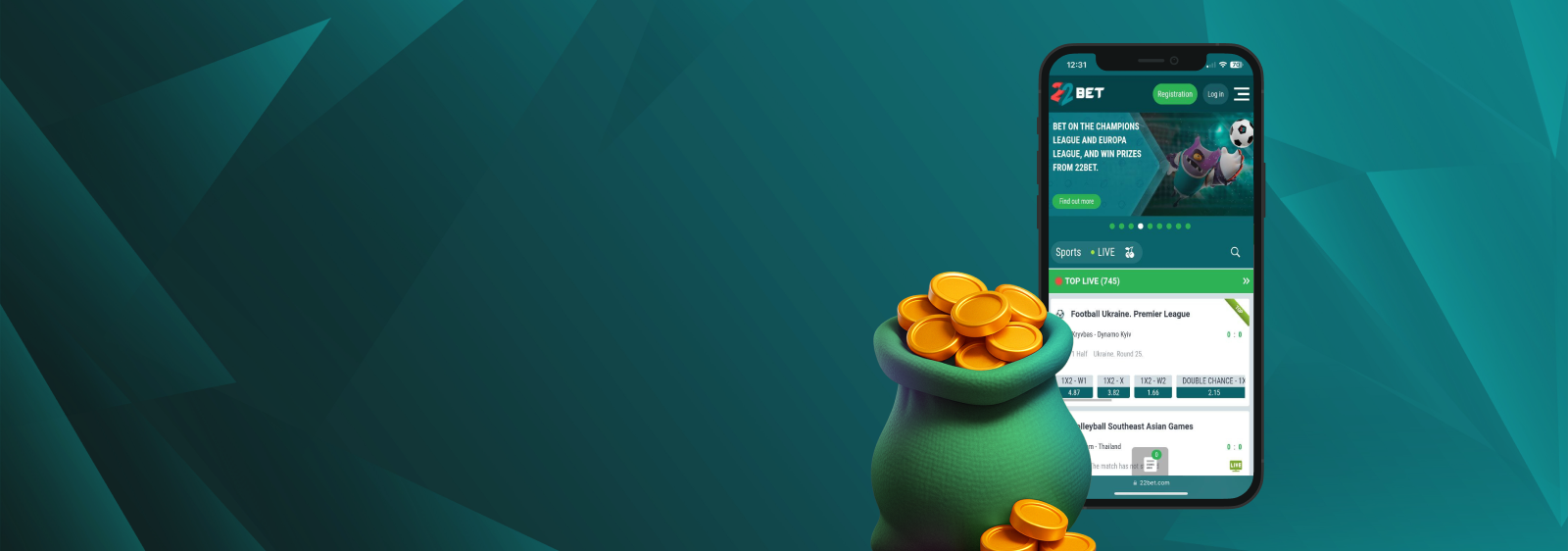
We grabbed the 22Bet app on 3 different devices — a budget Itel A18, a mid-range Tecno Camon 20, and an ageing iPhone 11 — to see whether it can really keep pace with Uganda’s data quirks. For 7 days, we ran live bets on UPL fixtures from taxis, topped up with Mobile Money at a Jinja café, and even spun a few jackpot slots during a power cut in Gulu (thank you, backup battery).
What follows is every win, hiccup, and pleasant surprise — pulled straight from 22Bet’s own listings and the official app stores — not hearsay.
General Information About the 22Bet App
Before we dive into download buttons, here’s the big picture. The 22Bet app comes in 2 native builds: Android (via direct .apk) and iOS (via the App Store). Both funnel into the same single-wallet account you use on desktop, so there’s no juggling balances.
RegistrationMobile App for iOS
From the first tap, the iOS build felt faster than desktop: odds grids loaded in roughly 2 seconds on 3G, and push alerts landed before TV broadcasters flashed the score. Even when we hopped between Airtel hotspots and hotel Wi‑Fi, in‑play animations stayed smooth with no audio drift. Best of all, live streams sipped data — about 75 MB per hour — so a modest bundle easily survives a full match.
How to Download and Install?
Head to the App Store, search for the 22Bet app” and tap “Get” to download 22Bet app directly to your iPhone or iPad. The installation ran in under 2 minutes on a modest 10 Mb/s Wi‑Fi line. No region hacks needed — the listing is fully localized for Uganda.
System Requirements
The app demands iOS 14.0 or later and roughly 250 MB of free space. Older iPhone 7s still qualify if they’ve kept up with software updates, but anything below iOS 14 hits a wall. The latest update (v1.20, March 2025) claims stability tweaks and cleaner odds tables — our crash logs back that up.
Devices Compatible with the 22Bet App
Apple hasn’t shut out older handsets. Devices dating back to 2016 still make the cut, and the interface scales cleanly from a 4.7‑inch iPhone 7 up to the jumbo 15 Pro Max. Below is the range we verified during hands‑on testing:
- iPhone: 7 through 15 Pro Max.
- iPad: 7th gen and later (portrait‑only for now, gripe noted in reviews).
- iPod touch/Apple Silicon Macs: works, but the layout feels phone‑scaled.
If you fancy betting from a Vision Pro, the listing even flags VisionOS 1.0 as cleared — but our budget didn’t stretch to that test unit.
22Bet App for Android
Forget clunky ports, this build feels like it was coded right here in Kampala. Odds grids cache locally, so even when 4G hiccups into 3G, you don’t lose your place. Dark mode comes baked in, trimming battery drain on older LCD screens and keeping late‑night wagers easy on the eyes.
How to Download and Install?
From your mobile browser, hit the green Android badge, and the site kicks off the 22Bet download, serving the current 22Bet APK in seconds. Allow installs from “unknown sources,” open the file, and you’re live. The whole dance took 3 minutes on MTN 4G, plus a quick biometric setup on the first launch.
System Requirements of The 22Bet App
The tech sheet lists Android 6.0+ and 2 GB of RAM. We ran smoothly on a 4‑year‑old Tecno Spark 4, and frame rates only dipped when switching from live odds to streaming animation — never during wagers.
Compatible Devices
From bargain handsets to flagship powerhouses, the Android build scales smoothly across screen sizes and chipsets.
- Budget: Itel A‑series and Tecno Spark range.
- Mid‑range: Infinix Note and Samsung A‑series.
- Flagship: Samsung S‑line, Google Pixel, and Xiaomi 13.
If your handset dates back to Android 5 or packs less than 1 GB of RAM, stick with the mobile site.
RegistrationMobile Website Version
For anyone guarding storage space, the browser site auto‑detects small screens and loads the same odds grid with collapsible menus. We timed page loads at 3–4 seconds on a 5 Mb/s Airtel connection — good enough for pre‑match punts but a tad slow for rapid‑fire live cash‑outs.
All deposit rails (MTN, Airtel, Visa, and crypto) remain intact, and fingerprint login works via Chrome.
Mobile Betting Options
Once inside, the home tab defaults to daily highlights — usually Premier League, NBA, and Uganda Premier League games. A swipe right unveils 40‑plus sports and specials, like weather bets and politics. Live widgets refresh every 5 seconds, while cash‑out triggers appeared reliably by the 70‑minute mark in our KCCA vs. Vipers test. Biometric authorisation never forced an extra PIN mid‑bet, a flaw we’ve seen elsewhere.
RegistrationMobile Casino Options in the 22Bet App
Tap “Casino”, and you jump straight into Pragmatic, BGaming, and Evolution lobbies without logging in again.
Reel animations stayed crisp at 60 fps on the Tecno Camon 20, while the Itel’s low‑end GPU halved that, but spins remained playable. Minimum chips at Evolution roulette translate to roughly 2,000 UGX, matching desktop limits. Jackpots and bonus rounds mirrored our desktop account perfectly.
Commonly Asked Questions
Yes. MTN or Airtel deposits go through instantly with no fees. Withdrawals hit in 15–30 minutes once your KYC is done.
The file is hosted on 22Bet’s secure SSL domain and signed with Arcadia Hospitality’s certificate. As long as you grab it from the official link, checksum errors are practically nil.
No. 22Bet uses a single-wallet system, so the same username and password work on the Android APK, the iOS App Store build, the mobile website, and the desktop site. Just log in on any platform and your balance and bets follow you automatically.